Intelligent fleet control,
as a service
Triva Remote combines AI autopilot, VPN mesh, remote desktop, and fleet observability in one cloud platform. Deploy remotes in seconds. Self-hosted available for enterprise.

For individuals and small teams getting started with basic fleet tooling.
- Up to 5 devices
- Remote desktop & terminal
- Basic AI queries
- Community support
For professional IT teams and fast-growing operations requiring full control.
- Up to 100 devices
- VPN mesh networking
- Full AI autopilot
- Fleet observability & alerts
- Priority support
For organizations with advanced security, strict compliance, and massive scale.
- Unlimited devices
- Self-hosted option
- SSO & RBAC
- Audit logging
- Dedicated support
- SLA guarantee
Need complete data sovereignty?
Self-host your complete control plane, database, coordination engine, and WireGuard credentials on private premises. Available for teams with 50+ managed assets.
AI Autopilot
Execute shell operations using natural language. The local remote interprets English prompts securely, assesses potential issues before applying patches, and automates recursive fixes in real-time.
WireGuard VPN Mesh
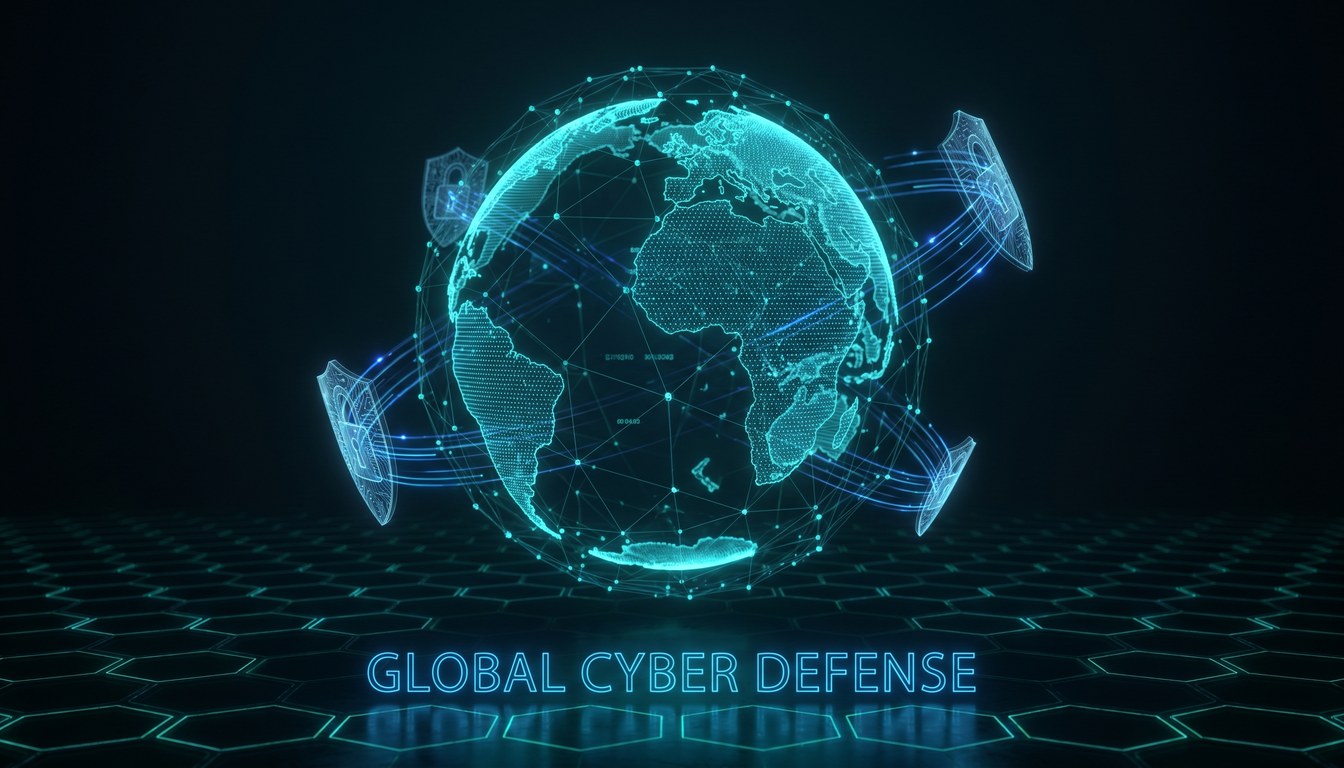
Auto-keyed secure overlays with instant P2P handshakes, and global decentralized routing. Features Zero-Config MagicDNS name-resolution built right into our low-footprint remote.
Fleet Telemetry
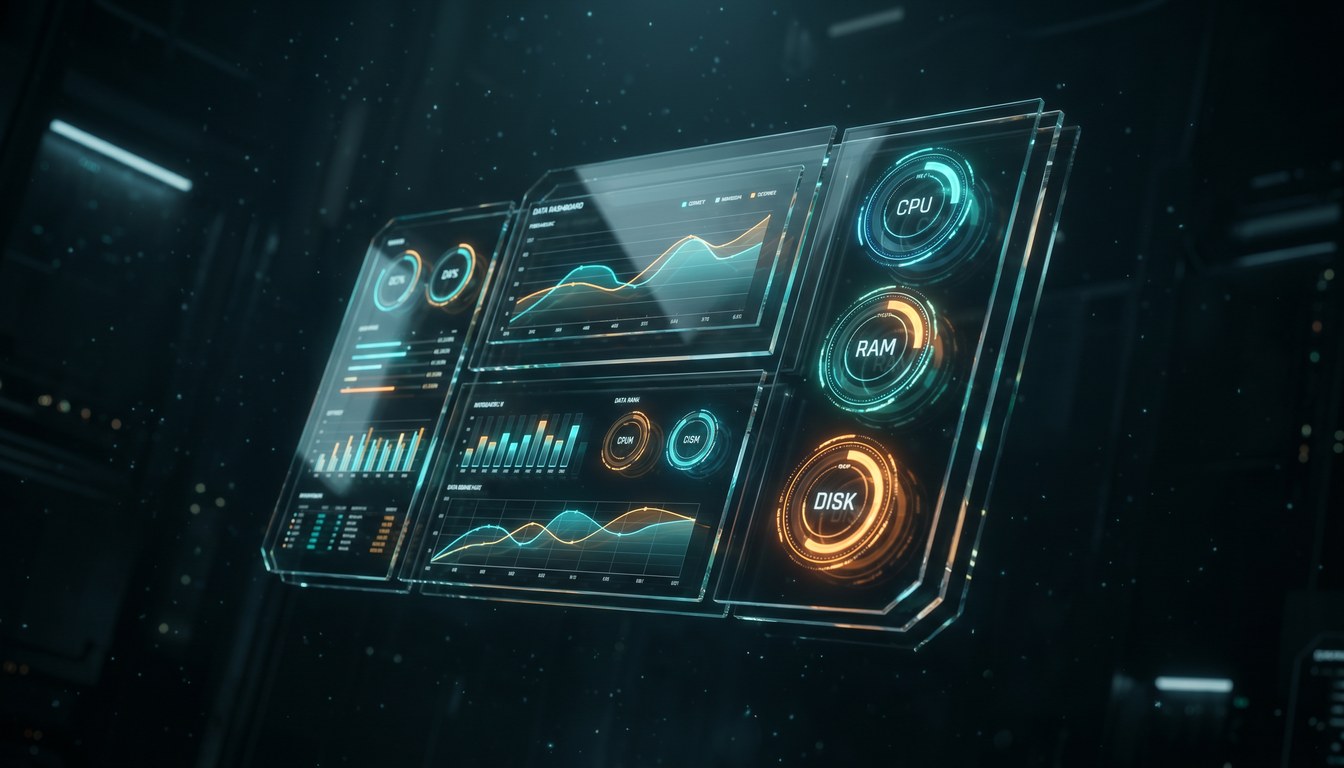
Real-time system health metrics. Beautiful sub-second charts capture CPU spikes, physical disk leaks, and network socket activity to feed the self-remediating engine directly.
Remote WebRTC Desktop
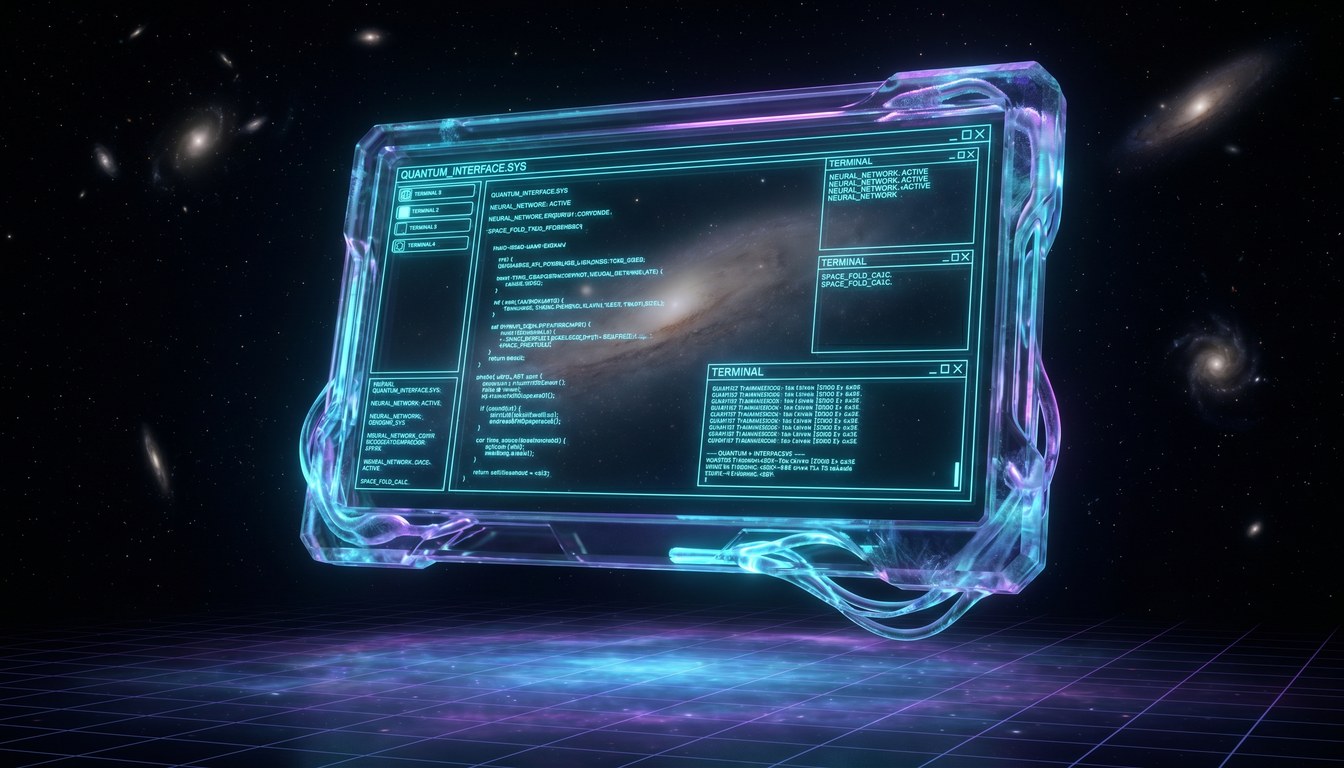
Ultra-low lag terminal emulator and graphical screens connected directly in your web browser. Execute synchronous batch tasks asynchronously across millions of machines simultaneously.